

❤️TIPS: All goods are authentic, with genuine patents, counterfeit must be investigated! Customers, please identify our products!
 >>SHIPPING WORLDWIDE.
- 💯>>Payments Via PayPal® and CreditCard.
- ⭐>>Fast refund Guarantee--You may return or exchange your item within 15 days of receipt.
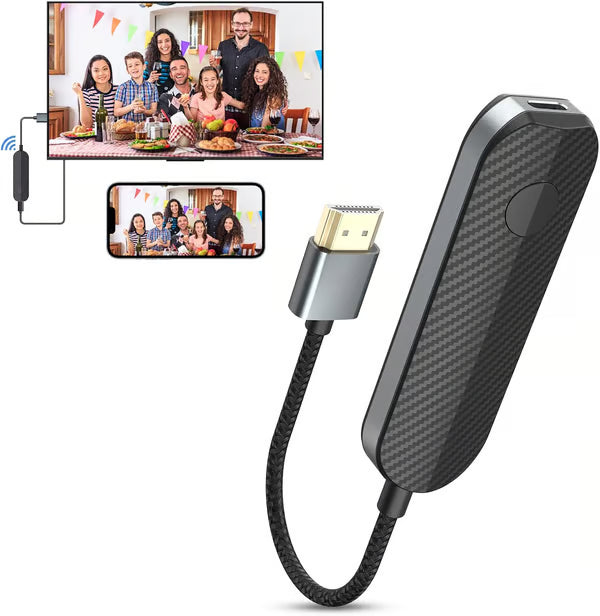
lulaven Wireless HDMI Display Adapter for iPhone iPad, Take You to Enjoy the Audio-Visual Feast from Small Screen to Large Screen!
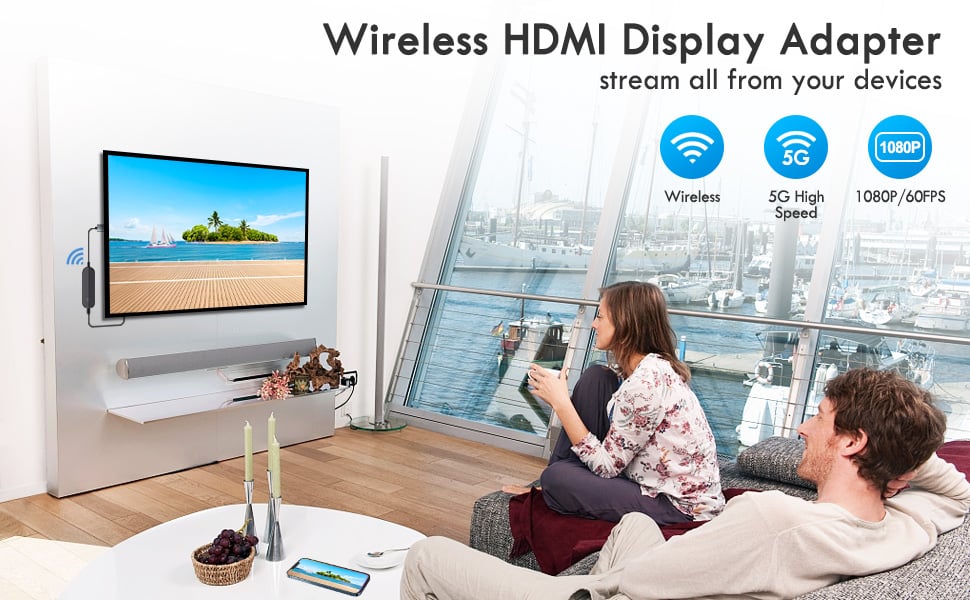
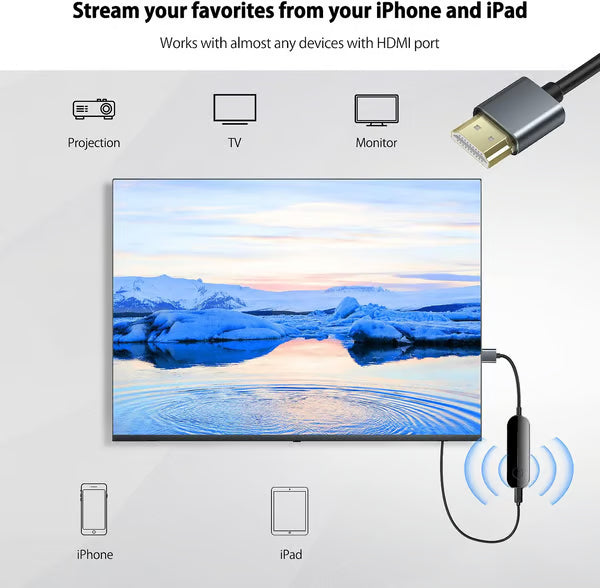
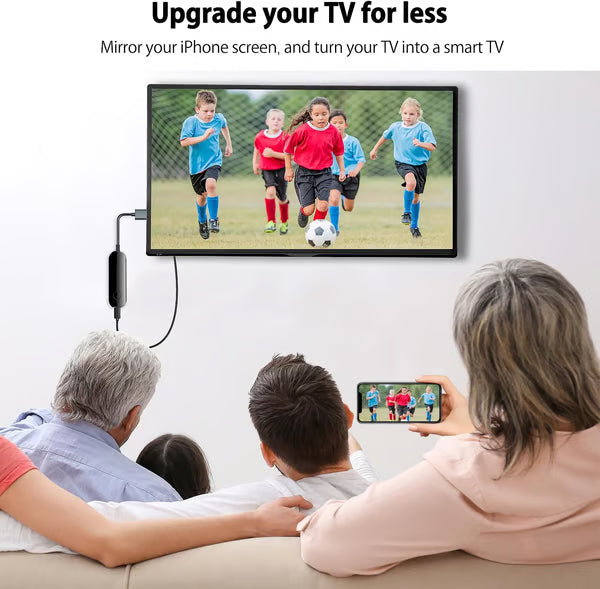
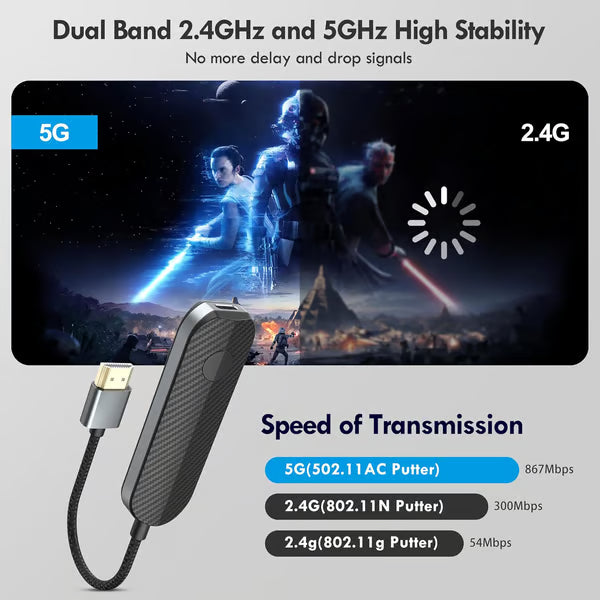
This wireless streaming stick supports up to Full HD 1080P display, you can easily connect iPhone,Pad to HDTV, monitor or projector with HDMI input. Connect the device to the big screen through this adapter, it is an ideal tool for watching TV shows,meetings, games, video calls or expanding the work area. In this way, you can not only enjoy the big screen, but also protect your eyes.
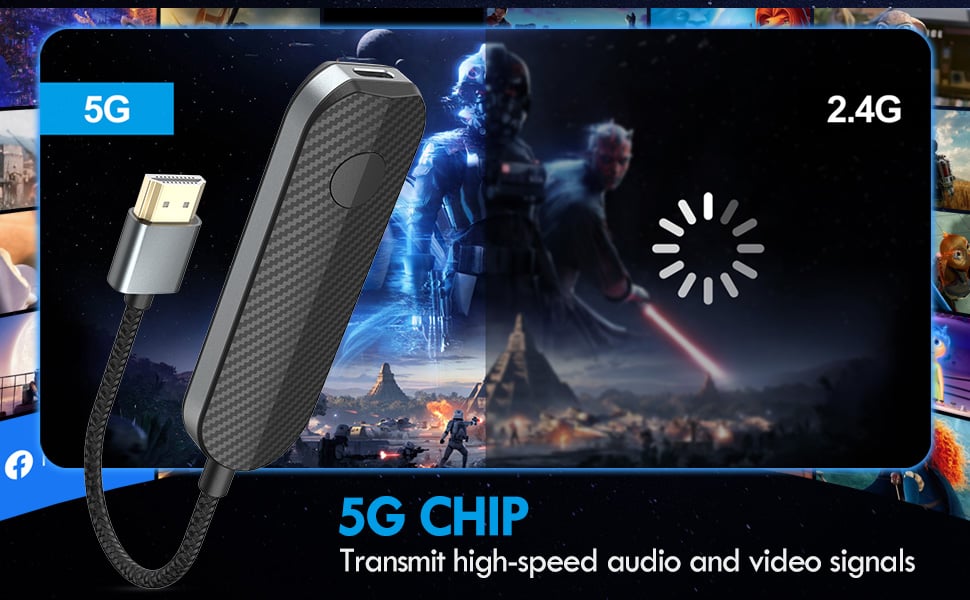
Fast and Efficient Operation, Plug and Play
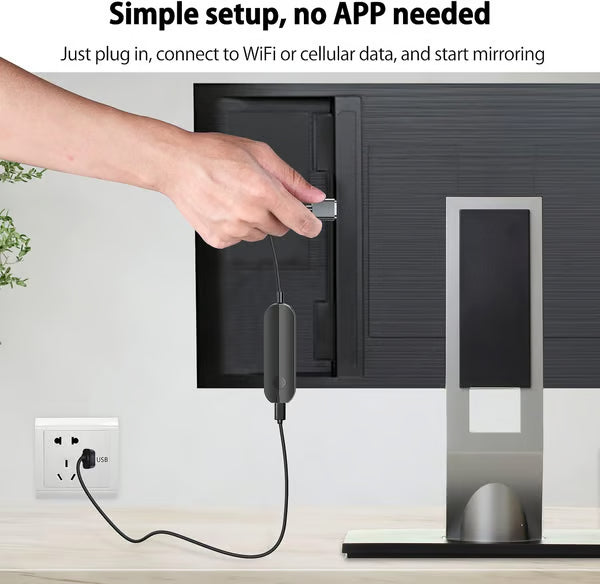
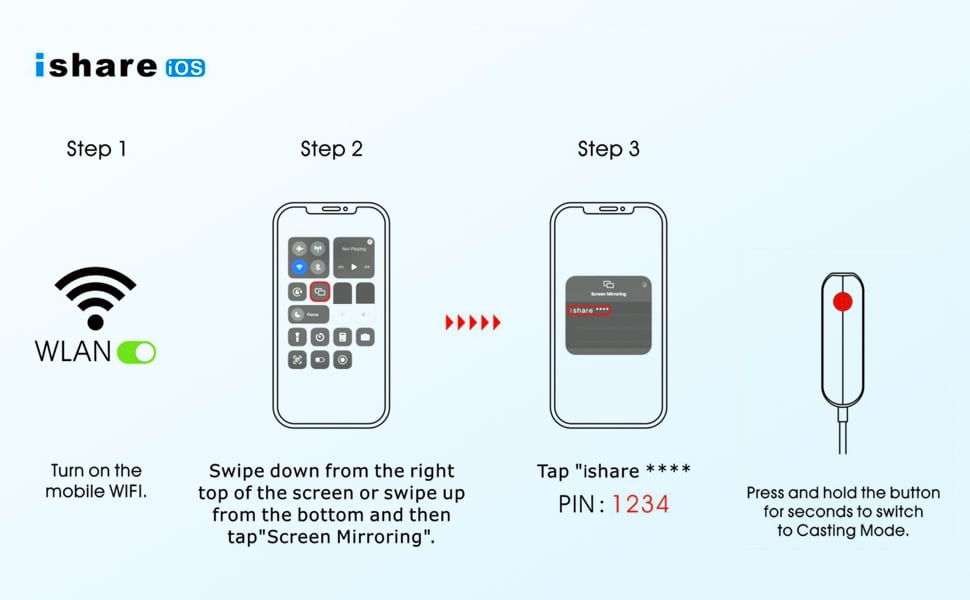
Just plug in, connect your phone to WiFi or cellular data, and start mirroring. No App or driver, plug and play.The installation is convenient and fast, saving a lot of time.
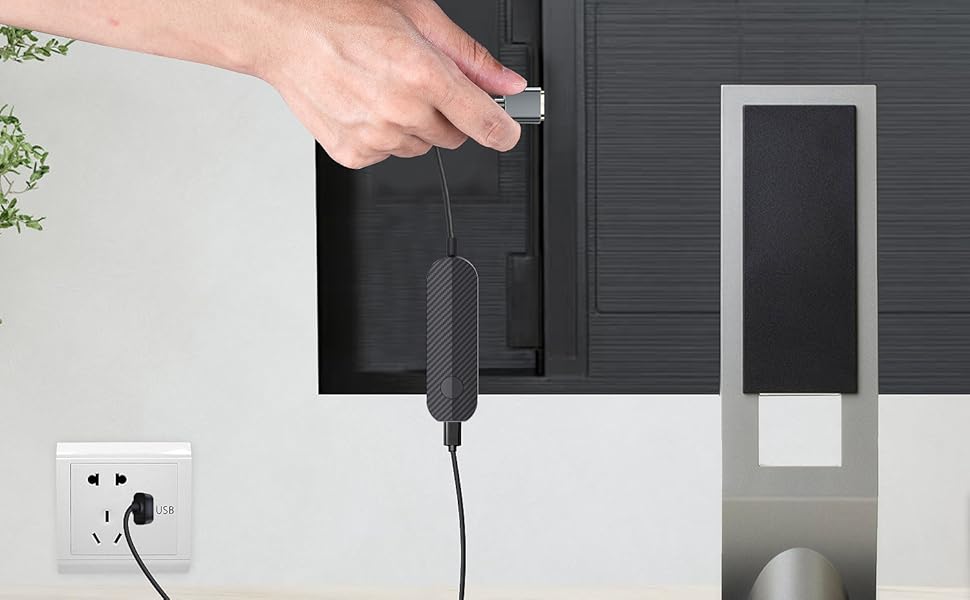
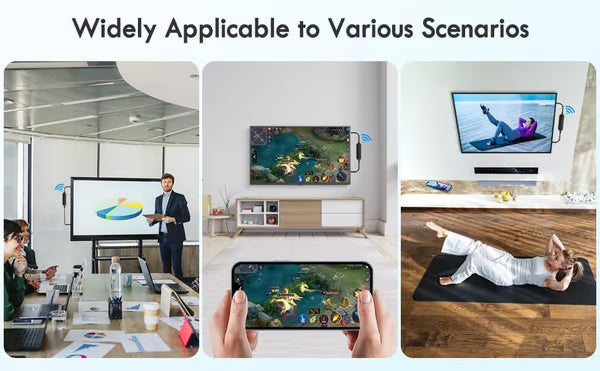
Suitable for Various Practical Scenarios
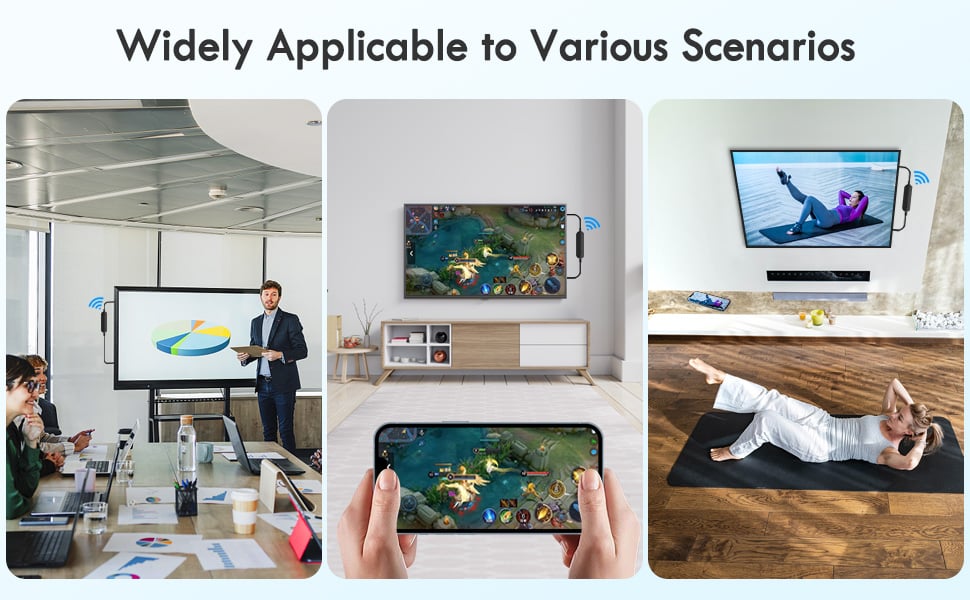
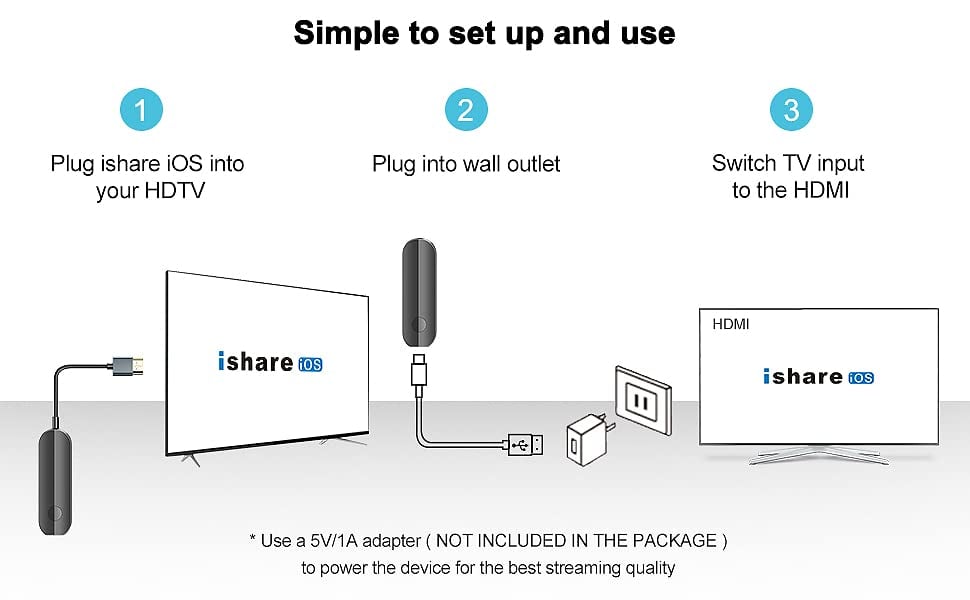
- Three Steps
- Step 1. Plug ishareiOS adapter into your HDTV.
- Step 2. Connect USB C charging cable with ishareiOS and the 5V/1A wall charger.
- Step 3. Set TV input/source to the HDMI and choose the corresponding HDMI port plugged.
Easiest Way to Mirror Your iPhone to the TV (No App needed)
Packing List
- 1x1iShareiOS adapter
- 1x1USB C charging cable
- 1x1User manual
🎁Package Includes
- 1 x iShare iOS Wireless HDMI Display Adapter
❗Notes
- Due to manual measurements, please allow slight measurement deviations.
- Due to the different display and lighting effects, the actual color of the item may be slightly different from the color displayed on the picture.

OUR GUARANTEE:
- We believe we have some of the most innovative products in the world, and we want to make sure we back that up with a risk-free 30-day guarantee.
- If for any reason you do not have a positive experience, we will make every effort to ensure that you are satisfied with your purchase.
- We want you to rest assured that there is absolutely zero risk in buying and trying out products. If you don't like it and don't feel bad, we'll do it right.
- We email support. If you need help, please contact us.
Comment